How to create a Franklin Account (U.S. Companies)
Last updated: April 14, 2025
Thank you for choosing Franklin! We are excited that you have chosen us and would love to guide you on your journey.
Note: If you are creating an account for a non-U.S. company, please go to this article instead.
Signing Up
Go to hellofranklin.co
Click sign up on the top right corner
Fill out your information
Click next
Confirm your email
Creating Your Account
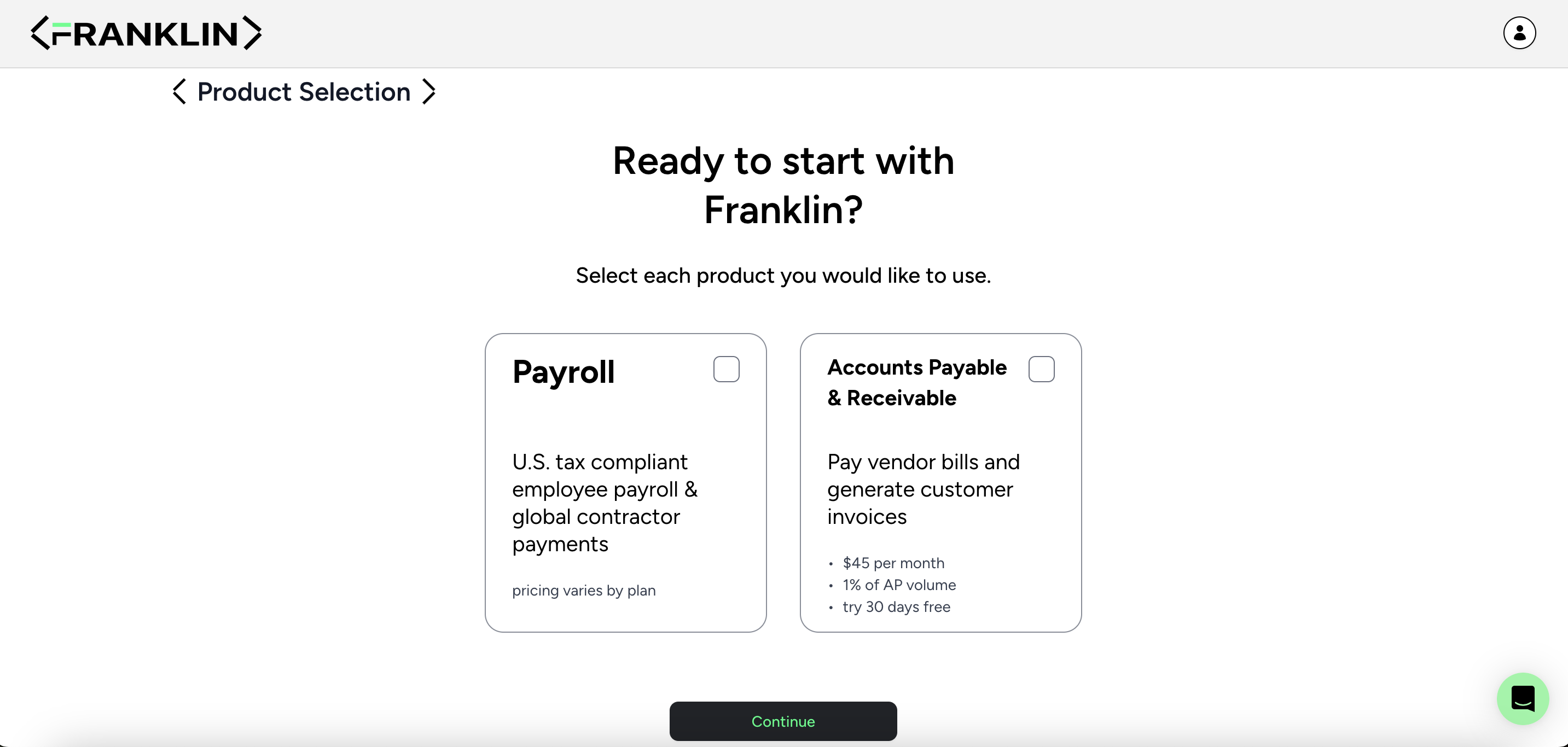
Choose your plan, then click continue
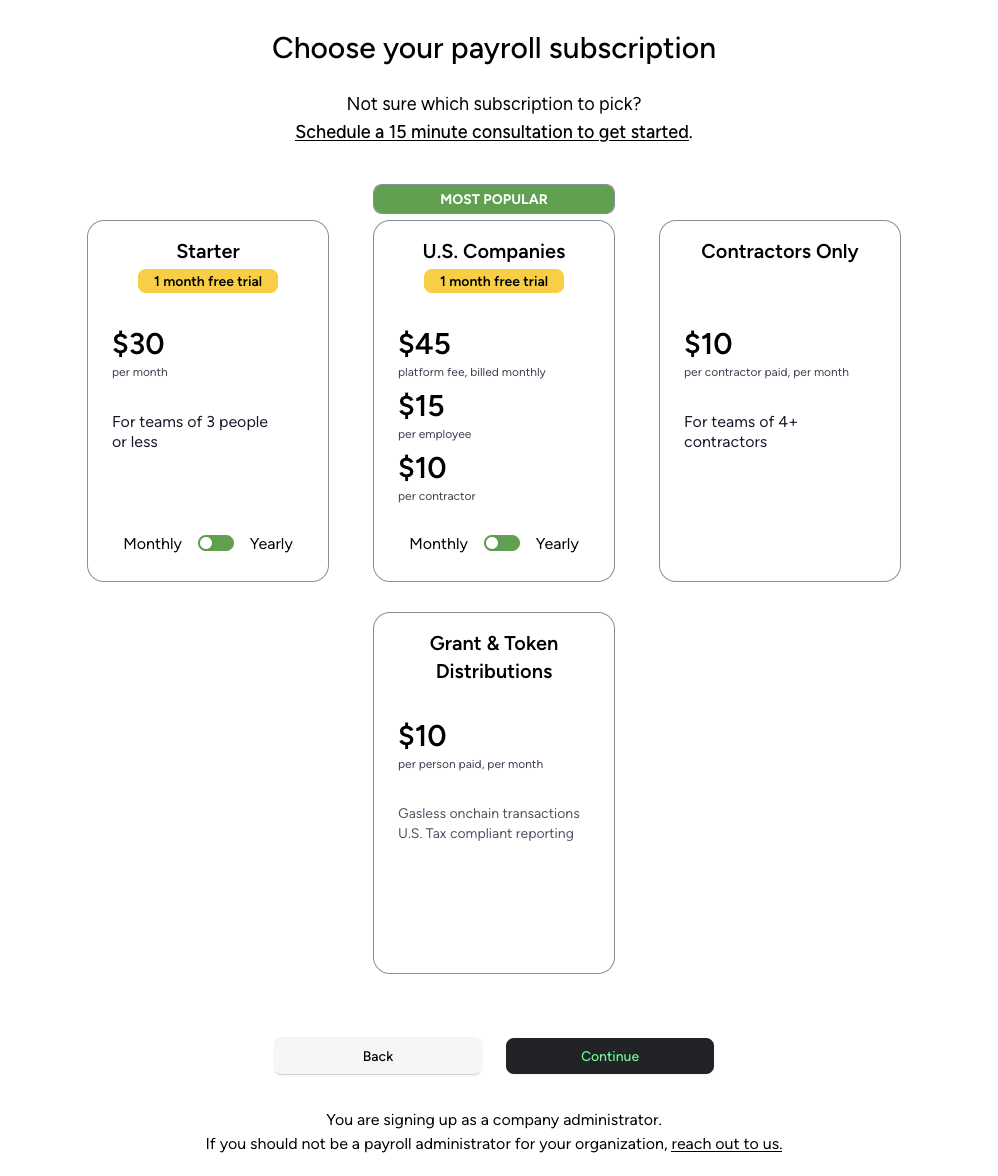
Choose your payroll subscription, then click continue
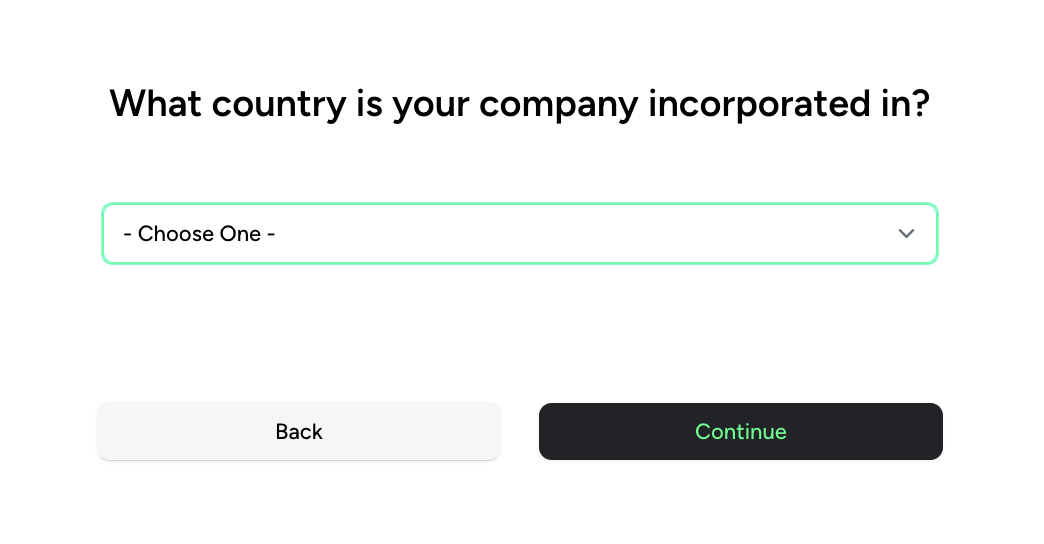
Select your country of Incorporation
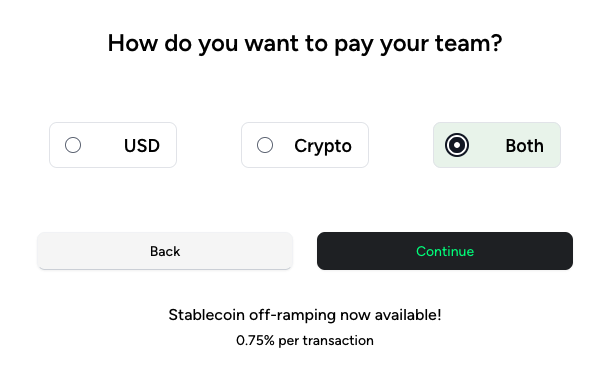
Choose how you want to pay your Team (USD, Crypto, or Both)
Confirm your relationship to your company (Employee or Contractor)
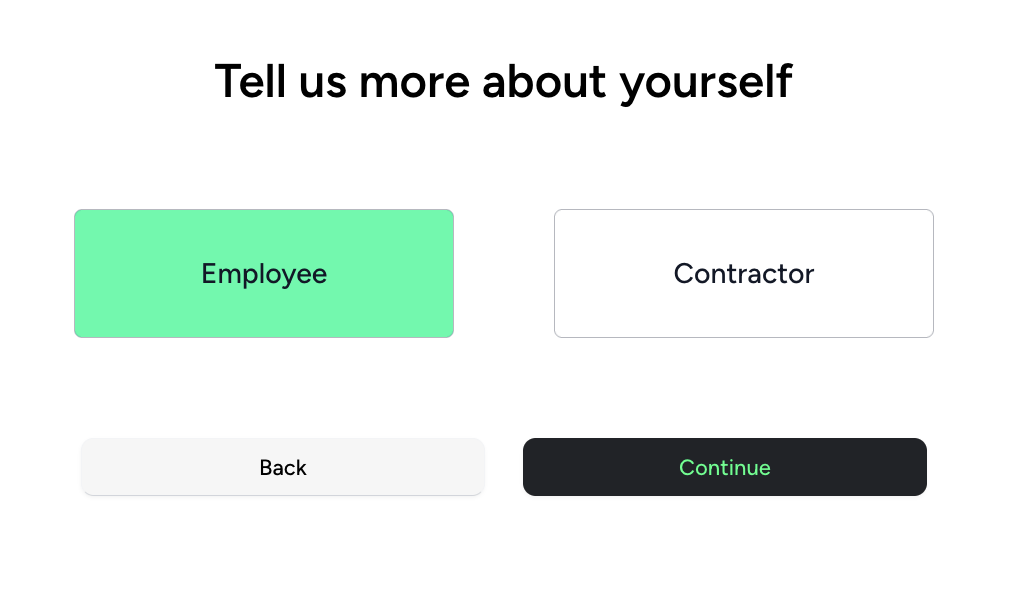
Input your personal information
Input company information
Select the blockchain that you'd like to use
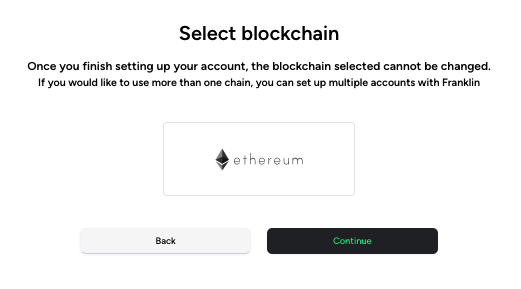
Choose the type of wallet (single-sig or multisig)
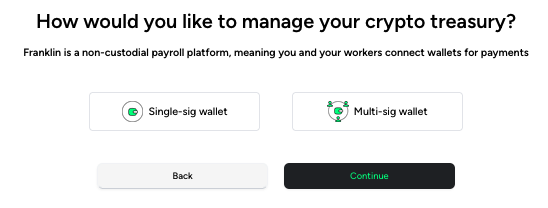
Connect your wallet
Congrats! You're now inside the app.
IMPORTANT INFO: Franklin will run all workers against the U.S. OFAC Sanctions and SDN lists to ensure compliance. Franklin also reserves the right to perform enhanced due diligence which may require supplemental corporate information. This is applicable whether your organization is based in the U.S. or outside of the U.S.